Delay Time Calculator
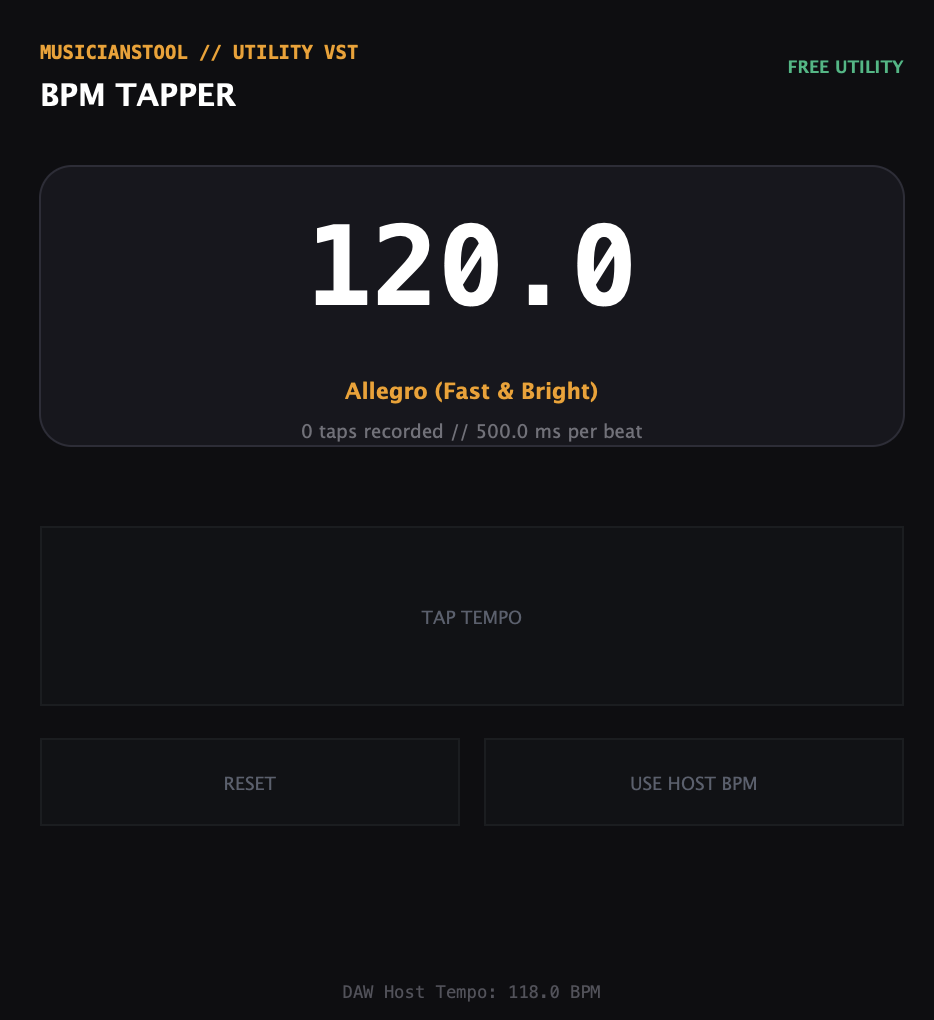
Convert your track's BPM into exact milliseconds for Reverb Pre-Delay, LFO rates, and Delay times.
Tempo-synced delay time is calculated by dividing 60,000 milliseconds (one minute) by the tempo in BPM: t = 60,000 / BPM. A quarter note at 120 BPM equals precisely 500.00 ms. Dotted notes multiply base time by 1.5, while triplet notes multiply base time by 2/3 (0.667).
t_ms = 60,000 / BPM (Dotted: ×1.5 | Triplet: ×0.667)- Quarter Note Equation
- 60,000 / BPM ms
- 120 BPM Quarter Note
- 500.00 ms (2.00 Hz)
- Reverb Pre-Delay Standard
- 60,000 / (BPM × 16) ms
- LFO Frequency Equation
- f_hz = BPM / 60
Delay & Reverb Sync Visualizer
DSP ReactiveReal-time tempo delay alignment, multi-tap echo cascade & Φ acoustics
Standard Notes
1.0x BaseDotted Notes
1.5x MultiplierTriplets
0.667x MultiplierGolden Ratio (Φ)
The Complete Guide to Delay & Reverb Timing
In music production, timing is everything. While musical notes are defined by pitch, the "space" in a mix is defined by time. Using a Delay Calculator to convert your project's BPM (Beats Per Minute) into Milliseconds (ms) and Hertz (Hz) is a secret weapon of top mixing engineers.
Why Compute Delay Times Manually?
Most modern DAWs allows plugins to sync to the host tempo automatically. However, knowing the exact milliseconds unlocks creative control that "Sync" buttons can't provide:
- Reverb Pre-Delay: Setting the pre-delay to an exact 1/64th or 1/32nd note separates the vocal from the reverb tail, keeping the vocal "in your face" while still sounding spacious.
- Un-Synced Delays: Setting a delay slightly off the grid (e.g., a "dotted eighth note" plus 5ms) adds a human, analog feel that perfectly quantized delays lack.
- LFO Rates: For synthesizers that use Hz for LFO speed, converting BPM to Hz allows you to wobble the filter in perfect time with the song.
Essential Delay Types & Formulas
Here are the most common time divisions used in mixing, based on a 120 BPM track example (where 1 Beat = 500ms):
| Note Length | Use Case |
|---|---|
| 1/4 Note | Basic Echo, "Throw" Delays on vocals |
| 1/8 Note | Rhythmic bounce, slapback for slower tempos |
| Dotted 1/8 | The "U2" or "Pink Floyd" delay sound. Creates a galloping rhythm against a straight beat. |
| 1/16 Note | Fast, slapback echo for vocals and guitars (Rockabilly style) |
| Haas Effect (< 30ms) | Delays under 30ms are perceived as stereo width, not distinct echoes. |
Popular Tempo Delay & Reverb Pre-Delay Reference Matrix
Quick reference cheat-sheet for the most common production tempos. Values are pre-calculated to exact milliseconds (ms) for direct input into hardware and DAW delay/reverb plugins.
| Tempo (BPM) | 1/4 Quarter (ms) | 1/8 Eighth (ms) | Dotted 1/8 (ms) | 1/8 Triplet (ms) | 1/16 Sixteenth (ms) | Pre-Delay 1/64 (ms) | LFO Rate (Hz) |
|---|---|---|---|---|---|---|---|
| 88 BPMHip Hop / Boom Bap | 681.8 ms | 340.9 ms | 511.4 ms | 227.3 ms | 170.5 ms | 42.6 ms | 1.47 Hz |
| 90 BPMR&B / Slow Trap | 666.7 ms | 333.3 ms | 500.0 ms | 222.2 ms | 166.7 ms | 41.7 ms | 1.50 Hz |
| 120 BPMDeep House / Pop | 500.0 ms | 250.0 ms | 375.0 ms | 166.7 ms | 125.0 ms | 31.3 ms | 2.00 Hz |
| 128 BPMEDM / Festival House | 468.8 ms | 234.4 ms | 351.6 ms | 156.3 ms | 117.2 ms | 29.3 ms | 2.13 Hz |
| 130 BPMTech House / Techno | 461.5 ms | 230.8 ms | 346.2 ms | 153.8 ms | 115.4 ms | 28.8 ms | 2.17 Hz |
| 140 BPMDubstep / Trap / Trance | 428.6 ms | 214.3 ms | 321.4 ms | 142.9 ms | 107.1 ms | 26.8 ms | 2.33 Hz |
Studio BPM Delay & Reverb Charts (60–180 BPM Directory)
How to Use Hertz (Hz) in Production
Hertz (cycles per second) is the inverse of time. While delays use milliseconds, LFOs and oscillators often use Hz.
Formula: Hz = 1000 / ms
Example: If a 1/4 note is 500ms, the frequency is 2 Hz. Setting your synth's vibrato to 2 Hz will make it pulse exactly once per beat.
Frequently Asked Questions
What is the Haas Effect?
The Haas effect is a psychoacoustic phenomenon where a sound followed by a delay of less than ~30-40ms is perceived as a single, wider sound event rather than two distinct sounds. It's great for widening mono synths or guitars.
How do I calculate reverb decay time?
Ideally, reverb should decay (fade out) before the next musical phrase begins to avoid muddiness. Use the "1 Bar" or "2 Bar" ms calculation as a starting point for your reverb decay time (RT60).
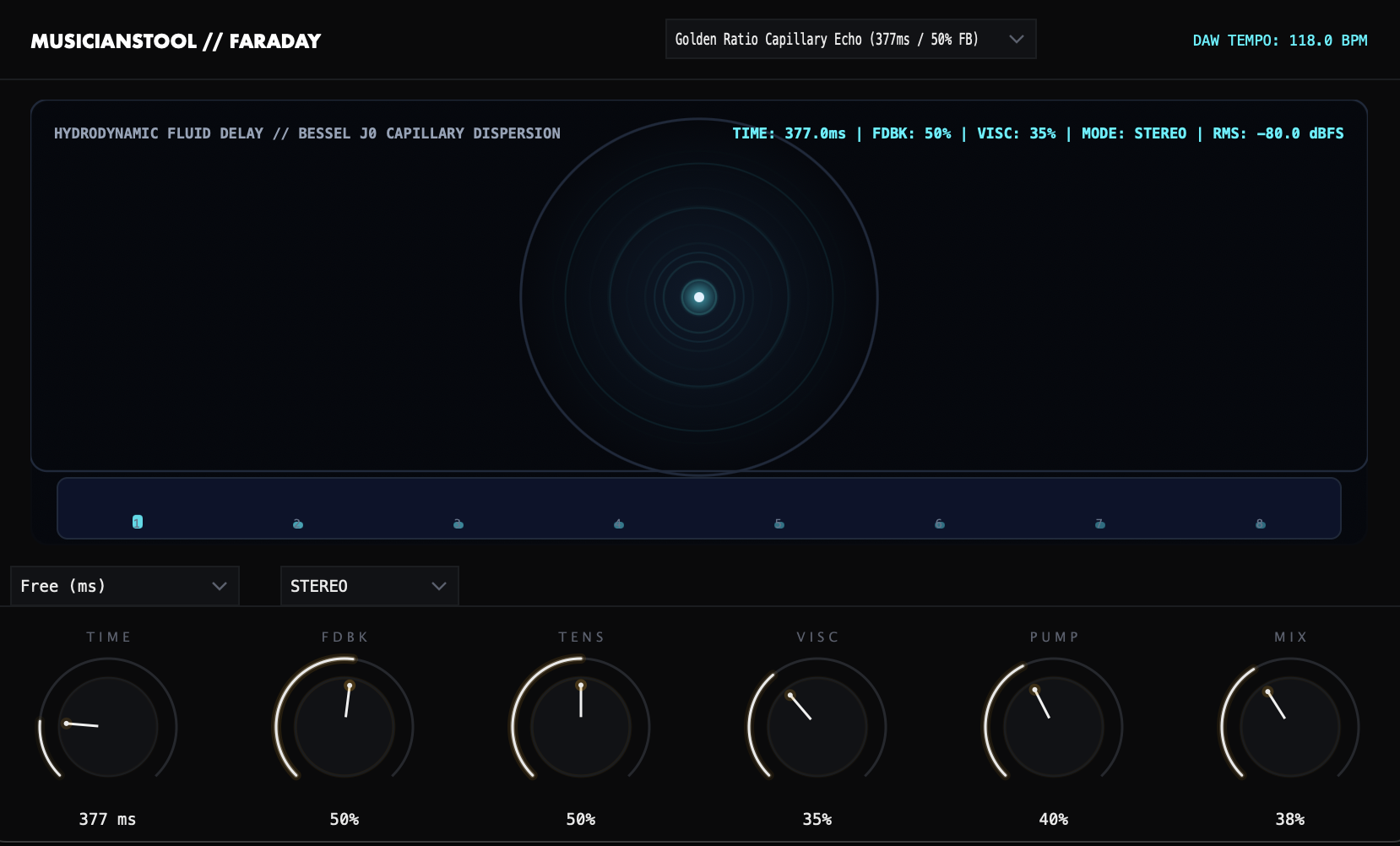
FARADAY: Liquid Ripple Delay
Produce in Ableton or Logic? Run zero-latency DSP in your DAW.
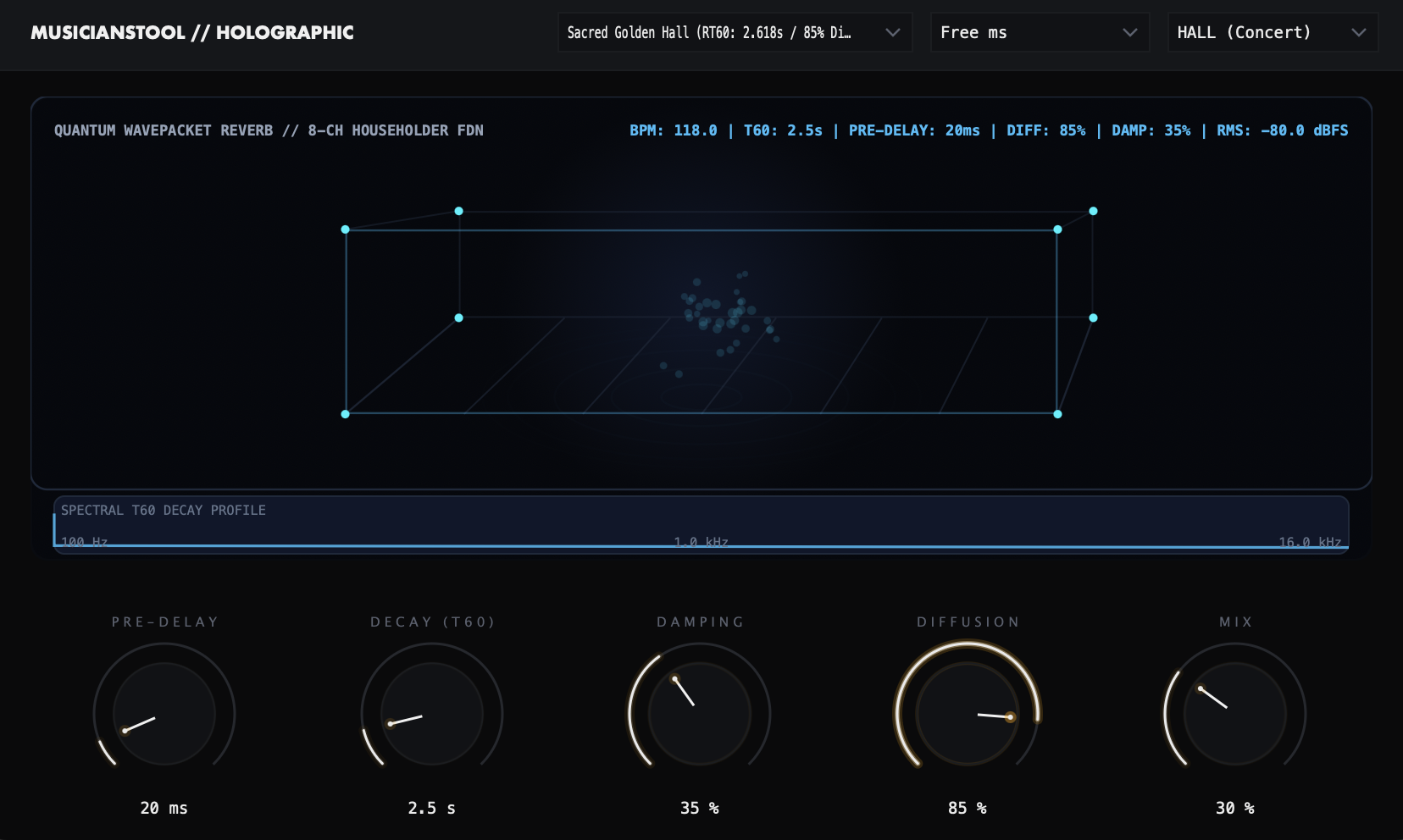
Lock Space & Echo Directly to Your DAW Grid
HOLOGRAPHIC calculates room geometry and pre-delay in perfect tempo sync, while FARADAY handles liquid dispersion and ping-pong stereo echoes.